Smart-link setup
Apply schedules, redirect behavior and privacy controls while keeping your link’s destination.
Templates turn a blank setup into a useful starting point. Choose one, review the example values, and adapt it to your destination. Every template and every feature is free.

A template never publishes an unknown destination for you. It either creates an editable draft or applies a focused set of controls to a link you choose.
Apply schedules, redirect behavior and privacy controls while keeping your link’s destination.
Create a shared place for related links, collaborators and a client-ready report.
Start a QR code, resource bundle or link-in-bio page and replace the examples with your content.
Each starter solves a different job. Open one to see exactly what it changes before you use it.
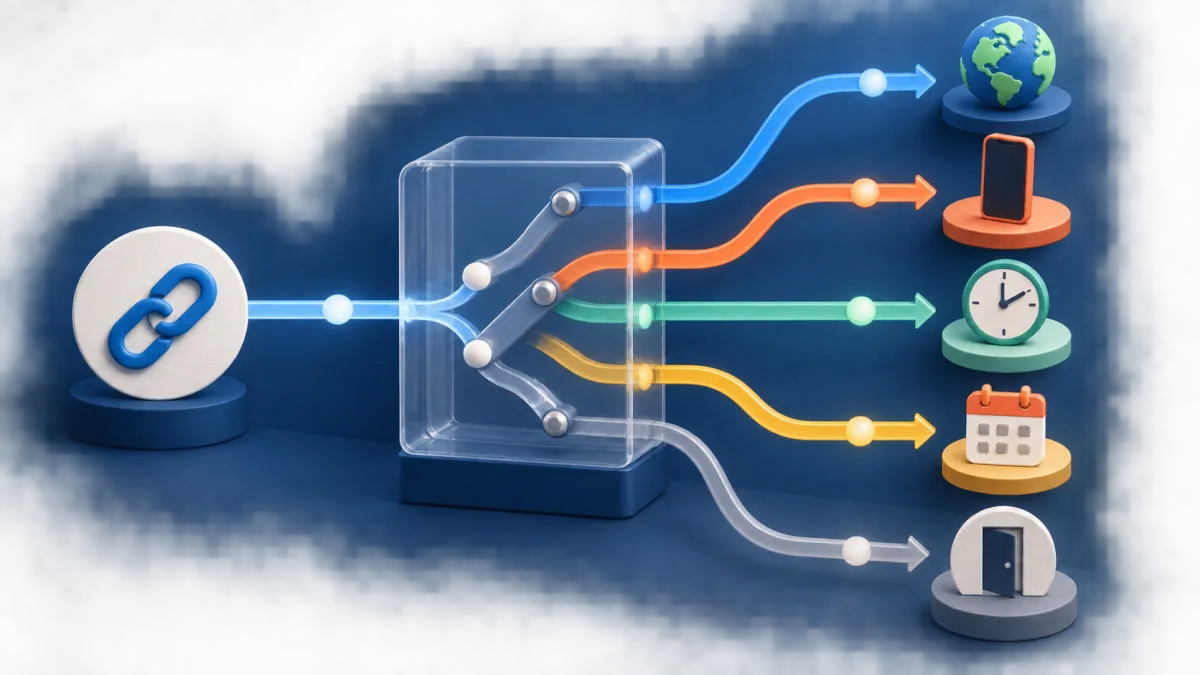
Keep a link active Monday–Friday from 09:00 to 17:00 in its chosen timezone.

Hide referrer details and use a temporary redirect suitable for editable campaigns.

Start every newsletter link with consistent source and medium values.

Create a shared campaign shell ready for links, collaborators, and a client report.
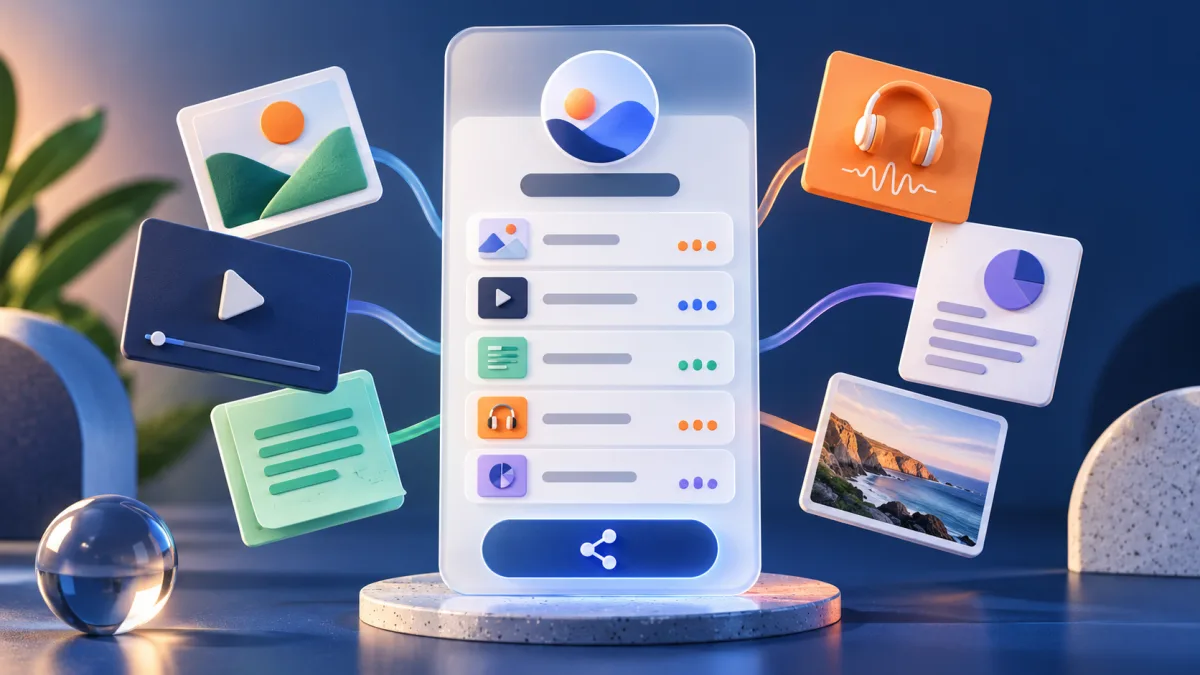
Publish a focused resource page with individually counted destinations.

Open the QR generator with event-friendly guidance and a high-resolution download workflow.

Start a clean public profile that combines important links, embeds, and subscriber capture.
Before publishing, confirm every destination, schedule, geographic rule and fallback. Public templates never include a creator’s password, ownership data, click history or private report access.
Need the mechanics first? Read the routing and expiration guide, learn about privacy-safe analytics, or explore the free UTM builder.