THIS WEEK How to Add Links to Instagram Stories Using GoTo.now: A Simple Guide Read this week's article →
← All templates

Helpful resource bundle

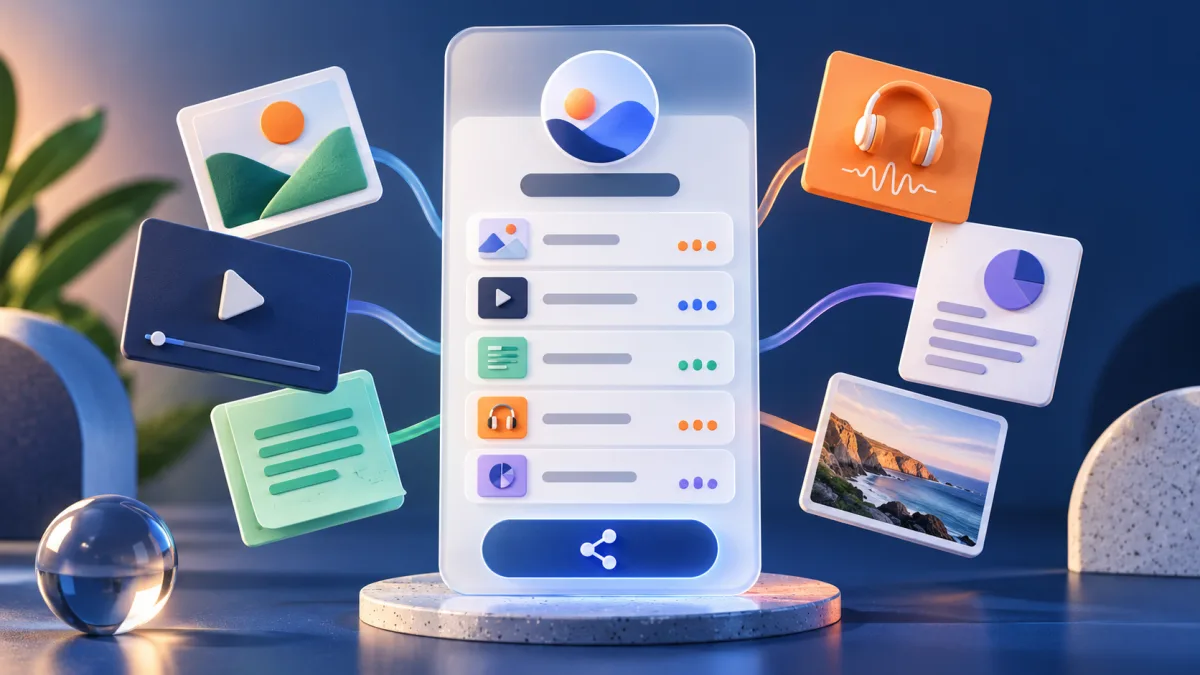
A focused, mobile-friendly page for several useful destinations—with a separate engagement count for every item.

Helpful resource bundle workflow preview

What happens when you use it

A public resource-bundle draft is created with example items. Replace its title, description, and every example destination before sharing the bundle URL.

Each item receives its own click count, helping you improve labels and order without collecting raw visitor IP addresses.

What this starter includes

Public page

Helpful resources

A published draft with a clear title and short introduction.

Example items

Getting started and Feature guides

Replace both examples; never publish them as if they were your own resources.

Theme

Navy

A readable default that can be changed in the bundle editor.

Measurement

Per-item clicks

See which destination earns attention without exposing visitor IP addresses.

A learner opening an organized collection of helpful online resources

Example: one onboarding link that stays useful

A community program sends new members a single resource page containing Start here, Weekly schedule, Ask for help, and Download the handbook. The labels explain the action instead of exposing four long document URLs in an email.

After a month, the organizer sees that the handbook receives plenty of opens but the help page is rarely used. They move support higher, rename it to Ask a coordinator, and replace an outdated PDF without changing the public bundle URL.

What to preserveA focused, mobile-friendly page for several useful destinations—with a separate engagement count for every item.

Set it up carefully

  1. 1

    Define one audience and job

    A new-customer kit and a press kit should be separate bundles because visitors arrive with different intent.

  2. 2

    Write action labels

    Use Start the course or Download the handbook—not vague labels such as More or Click here.

  3. 3

    Order by importance

    Place the primary next action first and keep optional background resources lower.

  4. 4

    Review every month

    Replace stale documents, remove weak items, and use click counts to improve the order.

Where this setup fits

Use it when

  • Customer onboarding and help collections
  • Press, partner, or event resource kits
  • A small curated collection that needs one memorable URL

Choose another approach when

  • Large searchable knowledge bases
  • Mixing unrelated audiences on one page
  • Using a bundle when one direct destination would be clearer

Questions about helpful resource bundle

Is a resource bundle the same as link-in-bio?
They overlap, but a bundle is organized around one task or collection. A bio page is organized around a person or brand identity.
Can destinations change after sharing?
Yes. Edit bundle items while keeping the public bundle URL unchanged.
What does the template publish immediately?
It creates a live draft with example items. Replace those examples before sharing it with your audience.