THIS WEEK How to Add Links to Instagram Stories Using GoTo.now: A Simple Guide Read this week's article →
← All templates

Creator link-in-bio

A clear public profile that gives one primary action priority without hiding useful secondary destinations.

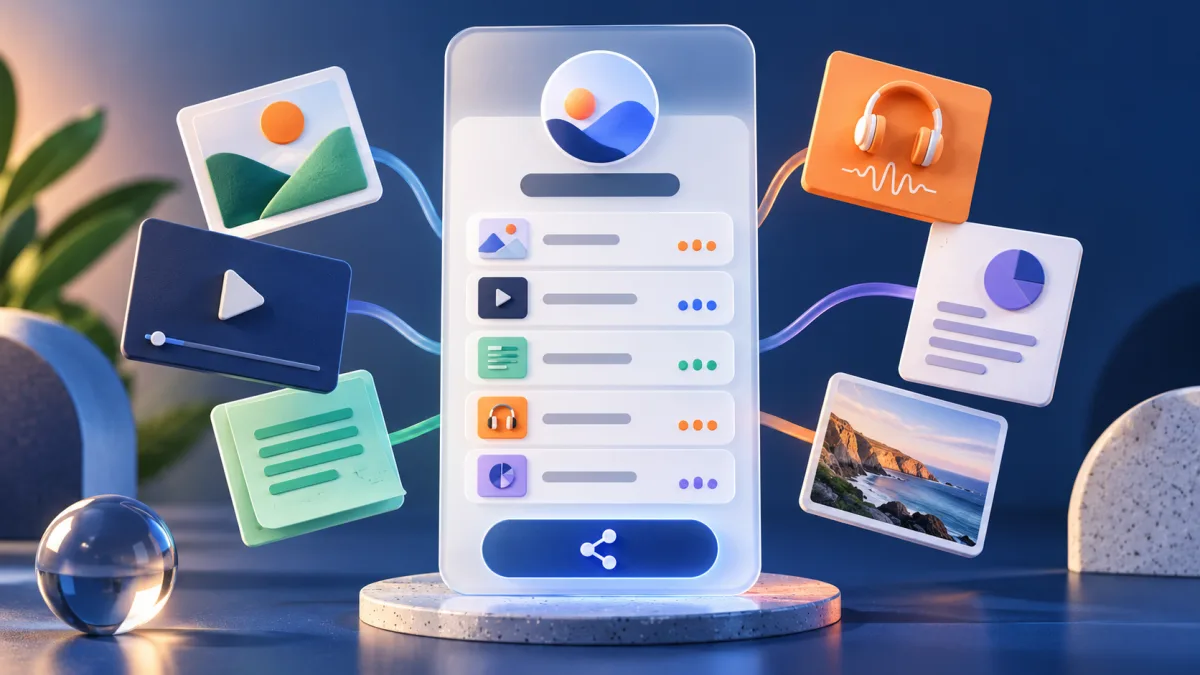
Creator link-in-bio workflow preview

What happens when you use it

The link-in-bio editor opens with a visual starting point. Add your identity, write useful link labels, choose one primary action, and preview the result at a narrow mobile width.

The template never invents profile details or social destinations for you.
What this starter includes

Theme

Sunset starter

A visual starting point; choose colors that preserve readable contrast.

Identity

Added by you

Use a recognizable name, concise description, and accessible profile image.

Links

Added and ordered by you

The template never invents destinations or publishes placeholder social accounts.

Measurement

Page and link engagement

Compare the page's primary action with secondary destinations.

A creator arranging the main and supporting links on a mobile profile page

Example: a profile that changes with the week

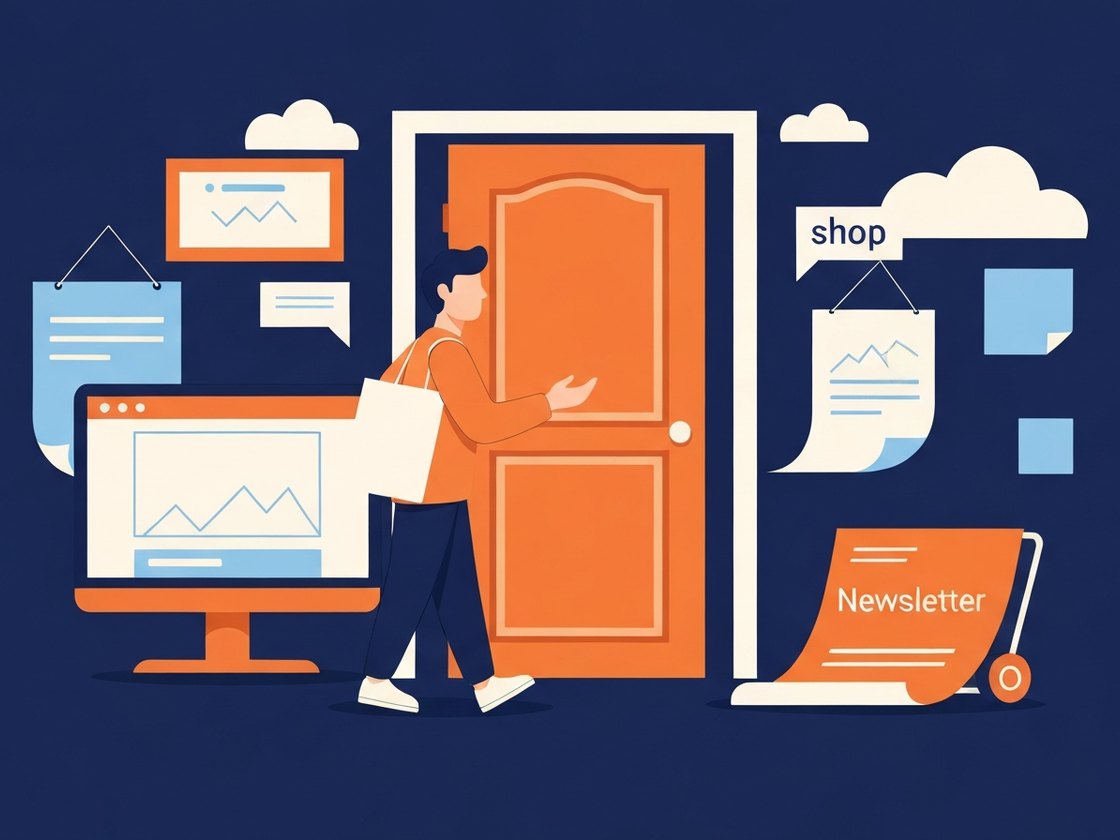
A food creator keeps the same profile URL across Instagram, TikTok, and YouTube. During a recipe launch, the new video and ingredient list sit first; the newsletter and shop remain available below without competing for the opening click.

Next week the creator changes the first destination to a live class. No social profile needs editing, and page analytics show whether followers choose the featured action or browse deeper.

What to preserveA clear public profile that gives one primary action priority without hiding useful secondary destinations.

Set it up carefully

  1. 1

    Choose one primary goal

    Decide whether the current priority is a video, signup, product, booking, or event.

  2. 2

    Write descriptive labels

    Tell visitors what opens—Watch the recipe or Join the class—not Click here.

  3. 3

    Limit the first screen

    Keep the strongest action visible without forcing visitors through a wall of equally weighted buttons.

  4. 4

    Preview on a narrow phone

    Check image crop, label wrapping, contrast, and tap targets before publishing.

Where this setup fits

Use it when

  • Creators and independent professionals
  • Brands with several current social destinations
  • Profiles whose featured action changes frequently

Choose another approach when

  • One-off campaigns where a direct link is clearer
  • Large resource libraries that need categories or search
  • Pages with dozens of low-priority links

Questions about creator link-in-bio

How many links should the page contain?
Use only the links the current audience is likely to need. A short, ordered page is easier to act on than a complete directory.
Can the featured link change later?
Yes. Keep the public bio URL and reorder or replace destinations whenever priorities change.
Is this different from a resource bundle?
A bio page centers a person or brand. A bundle centers one task or curated collection.